Morse Code Encoder/Decoder

Encode text to Morse code and decode Morse code back to text instantly.

The Morse Code Encoder/Decoder tool converts plain text to International Morse Code and vice versa. It supports all letters A-Z, digits 0-9, and common punctuation marks using the standard ITU Morse code table. Words are separated by slashes and letters by spaces. You can also play the Morse code as audio beeps directly in your browser using the Web Audio API.

Loading...
Your data stays in your browser
Tutorial

How to Use

1
1

Enter your text or Morse code

Type or paste the text you want to encode, or enter Morse code dots and dashes to decode back to plain text.

2
2

Choose encode or decode mode

Toggle the mode button to switch between encoding plain text to Morse and decoding Morse back to readable text.

3
3

Copy or play the result

Copy the output to your clipboard or press the play button to hear the Morse code as audio beeps in your browser.

Guide

Complete Guide to Morse Code

History of Morse Code

Morse code was developed in the 1830s by Samuel Morse and Alfred Vail for use with the electric telegraph. The original American Morse code differed from what we use today. The International Morse Code, standardized by the ITU, became the global standard in the early 1900s. It was essential for maritime communication and remained mandatory for ships until satellite systems replaced it in 1999.

How Morse Code Works

Each character is represented by a unique sequence of short signals (dots) and long signals (dashes). A dash is three times the duration of a dot. The gap between parts of a letter equals one dot duration, the gap between letters equals three dot durations, and the gap between words equals seven dot durations. This timing structure ensures clear transmission and reception of messages.

Learning Tips and Mnemonics

The best way to learn Morse code is by sound rather than sight. The Farnsworth method teaches characters at full speed but with longer gaps between them, gradually reducing the gaps. Many operators use mnemonics or word associations to remember patterns. For example, E is a single dot (the shortest and most common letter in English), and T is a single dash.

Modern Uses of Morse Code

Despite being over 180 years old, Morse code remains relevant today. Amateur radio operators use it for long-distance communication where voice signals fail. Accessibility technology enables people with disabilities to communicate using Morse input. The simple on-off nature of Morse makes it adaptable to flashlights, sound signals, and even eye blinks for communication in constrained situations.
Examples

Worked Examples

Example: Encoding HELLO WORLD

Given: The text 'HELLO WORLD'

1

Step 1: H = ...., E = ., L = .-.., L = .-.., O = ---

2

Step 2: Word separator = /

3

Step 3: W = .--, O = ---, R = .-.., L = .-.., D = -..

Result: .... . .-.. .-.. --- / .-- --- .-. .-.. -..

Example: Decoding ... --- ...

Given: The Morse code '... --- ...'

1

Step 1: ... = S

2

Step 2: --- = O

3

Step 3: ... = S

Result: SOS

Use Cases

Use Cases

Learning Morse code

Practice encoding and decoding messages to build your Morse code fluency. The audio playback feature helps you associate the dot-dash patterns with their sounds, making it easier to memorize the entire International Morse Code alphabet for amateur radio certification.

Emergency communication reference

Quickly encode distress signals like SOS or other critical messages into Morse code. In emergency preparedness training, this tool serves as a reference for encoding messages that can be transmitted via flashlight, whistle, or radio when voice communication is unavailable.

Puzzle and escape room design

Create Morse code puzzles for scavenger hunts, escape rooms, or educational games. Encode clues as dot-dash sequences that participants must decode to progress. The audio playback adds another dimension to puzzles where players hear rather than see the encoded message.

Frequently Asked Questions

?What is Morse code?

Morse code is a character encoding system using sequences of dots and dashes to represent letters, numbers, and punctuation for telegraph communication.

?What standard does this tool follow?

This tool uses the International Telecommunication Union (ITU) standard Morse code, which is the universally accepted modern version of Morse code.

?How are words separated in Morse code?

Letters are separated by a single space, and words are separated by a forward slash with spaces on each side ( / ) in text representation.

?Does it support numbers and punctuation?

Yes, it supports all 26 letters, digits 0 through 9, and common punctuation marks including period, comma, question mark, and exclamation point.

?Can I hear the Morse code?

Yes, click the Play Audio button to hear the Morse code as beeps using the Web Audio API directly in your browser with no plugins required.

?Is this tool free to use?

Yes, it is completely free with no usage limits. Encode and decode as many messages as you like without creating an account.

?Is my data private when using this tool?

Yes. All encoding and decoding happens locally in your browser. No text is ever sent to any server or stored anywhere externally.

?What is SOS in Morse code?

SOS in Morse code is three dots, three dashes, three dots: ... --- ... It is the international distress signal used since 1905.

Related Tools

Help us improve

How do you like this tool?

Every tool on Kitmul is built from real user requests. Your rating and suggestions help us fix bugs, add missing features and build the tools you actually need.

Rate this tool

Tap a star to tell us how useful this tool was for you.

Suggest an improvement or report a bug

Missing a feature? Found a bug? Have an idea? Tell us and we'll look into it.

Recommended Reading

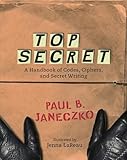
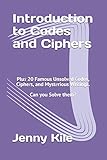
Recommended Books on Morse Code, Telegraphy & Ham Radio

As an Amazon Associate we earn from qualifying purchases.

Boost Your Capabilities

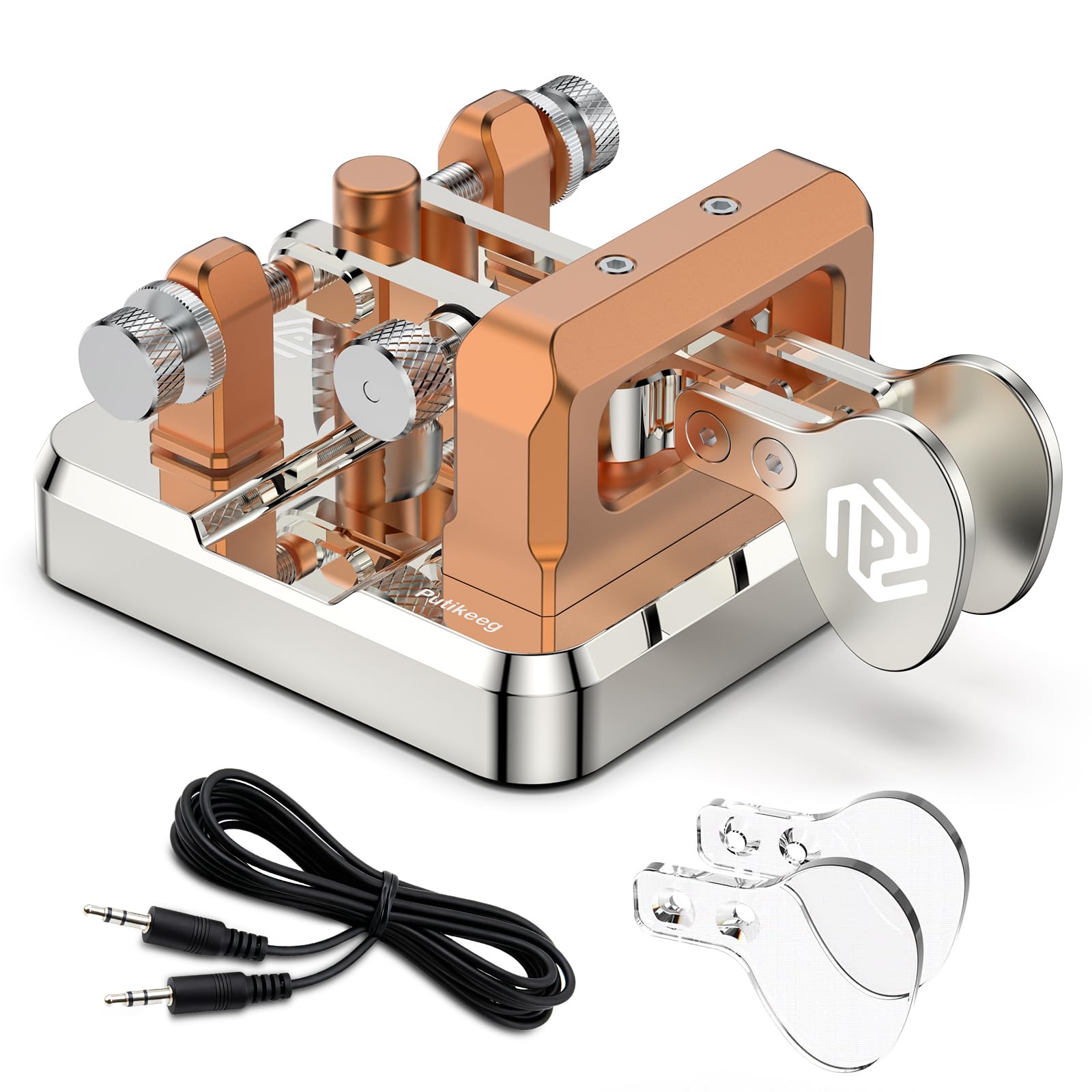
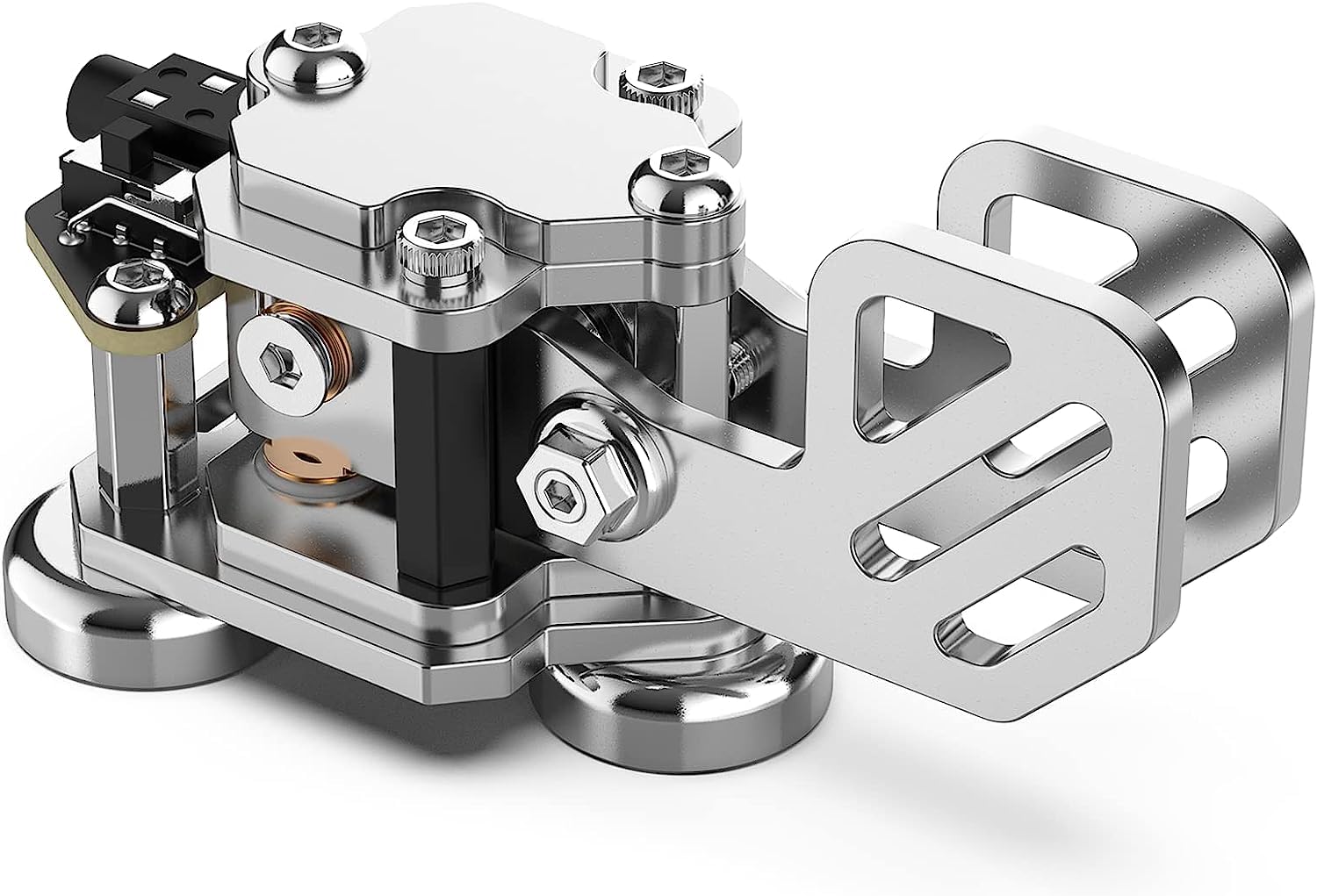
Recommended Gear for Morse Code & Ham Radio Enthusiasts

As an Amazon Associate we earn from qualifying purchases.

Newsletter

Get Free Productivity Tips & New Tools First

Join makers and developers who care about privacy. Every issue: new tool drops, productivity hacks, and insider updates — no spam, ever.

Priority access to new tools
Unsubscribe anytime, no questions asked