Every time you use a typical online PDF tool, file converter, or calculator, there's something happening behind the scenes that most people don't think about: your data is being uploaded to a remote server. That server processes your file, sends the result back, and — in many cases — keeps a copy. This is the standard model for most online tool websites, and it creates real privacy risks that affect millions of users every day.
According to the 2024 Cost of a Data Breach Report by IBM and Ponemon Institute, the average cost of a data breach reached $4.88 million — and breaches involving third-party vendors were among the most common attack vectors. When you upload a file to an online tool, you are trusting that vendor with your data — often without reading their privacy policy or understanding their data retention practices. Kitmul was built to eliminate this risk entirely.
How Server-Side Tools Handle Your Data
When you upload a file to a traditional online tool like SmallPDF, iLovePDF, or Convertio, here is what typically happens:
- Your file is transmitted over the internet to the provider's server, usually hosted on AWS, Google Cloud, or similar infrastructure.
- The server processes your file — merging PDFs, converting formats, compressing images, or running calculations.
- The result is sent back to your browser for download.
- Your original file may be stored on the server for a period ranging from 1 hour to 30 days, depending on the provider's policy.
During this process, your data is exposed to multiple attack surfaces: the network transfer itself, the server's storage, the provider's employees, and any third-party services the provider uses for analytics or monitoring. Even if the provider deletes your file after processing, backups, logs, or cached copies may persist.
For a party invitation or a meme image, this level of exposure is probably acceptable. But for tax returns, medical records, legal contracts, salary spreadsheets, or proprietary business documents, it represents a real and measurable risk.
How Client-Side Processing Works
Kitmul takes a fundamentally different approach. Every tool on our platform runs entirely in your browser using client-side JavaScript and WebAssembly. When you merge a PDF, convert an image, or calculate a percentage, the processing happens on your device. Your files never leave your computer. There is no upload, no server-side processing, and no copy retained anywhere.
Here is the technical stack that makes this possible:
- File API reads your files directly from your local filesystem into the browser's memory.
- pdf-lib, a pure JavaScript library, handles all PDF operations — merging, splitting, rotating, compressing, watermarking — without any server communication.
- WebAssembly modules provide near-native performance for computationally intensive tasks like image processing and data transformation.
- Canvas API handles image manipulation — resizing, format conversion, compression — entirely in the browser's rendering engine.
- Web Workers run heavy processing tasks in background threads, keeping the interface responsive even with large files.
The result is that your data exists only in your browser's memory for the duration of the operation. When you close the tab, the data is gone. There is no server log, no backup, no copy.
The Speed Advantage
Privacy is the primary motivation for client-side processing, but speed is an equally compelling benefit. Consider the steps involved in a server-based PDF merge:
- Upload file A (2 MB) — 3-5 seconds on a typical connection.
- Upload file B (3 MB) — 4-6 seconds.
- Server processes the merge — 1-2 seconds.
- Download the result (5 MB) — 3-5 seconds.
- Total: 11-18 seconds.
Now consider the same operation on Kitmul:
- Select files from your device — instant (no transfer).
- Browser processes the merge using pdf-lib — 0.2-0.5 seconds.
- Download button appears — instant (file is already in memory).
- Total: under 1 second.
This 10-20x speed improvement is not a benchmark exaggeration — it is the direct result of eliminating network transfer from the equation. The difference becomes even more dramatic with larger files or slower internet connections.
The Engineering Trade-Off
Client-side tools are significantly harder to build than server-side alternatives. Processing files in the browser requires careful optimization, deep knowledge of browser APIs, and creative solutions to memory constraints. A server with 16 GB of RAM can process a 500 MB file easily; a browser tab typically has a 1-2 GB memory budget shared across all operations.
This is why most online tool websites use the server-side model — it is simpler to implement and scale. But at Kitmul, we believe the privacy and speed benefits justify the additional engineering investment. We have spent thousands of hours optimizing our tools to handle large files efficiently within browser constraints, using techniques like streaming, chunked processing, and WebAssembly compilation.
When Client-Side Processing Matters Most
If you regularly handle sensitive documents, client-side processing is not just a nice-to-have — it is a requirement. Consider these scenarios:
- Tax professionals processing client returns containing Social Security numbers and financial data.
- Healthcare workers handling patient records subject to HIPAA regulations.
- Lawyers working with privileged attorney-client communications.
- HR departments processing employee salary data and performance reviews subject to GDPR in Europe.
- Journalists protecting source documents and confidential information.
- Small business owners managing financial statements and contracts.
In each of these cases, uploading documents to a third-party server creates compliance risks, liability exposure, and potential for data breaches. Client-side processing eliminates all of these concerns because the data never leaves the user's device — a principle aligned with the privacy by design framework advocated by privacy regulators worldwide.
Try It Yourself
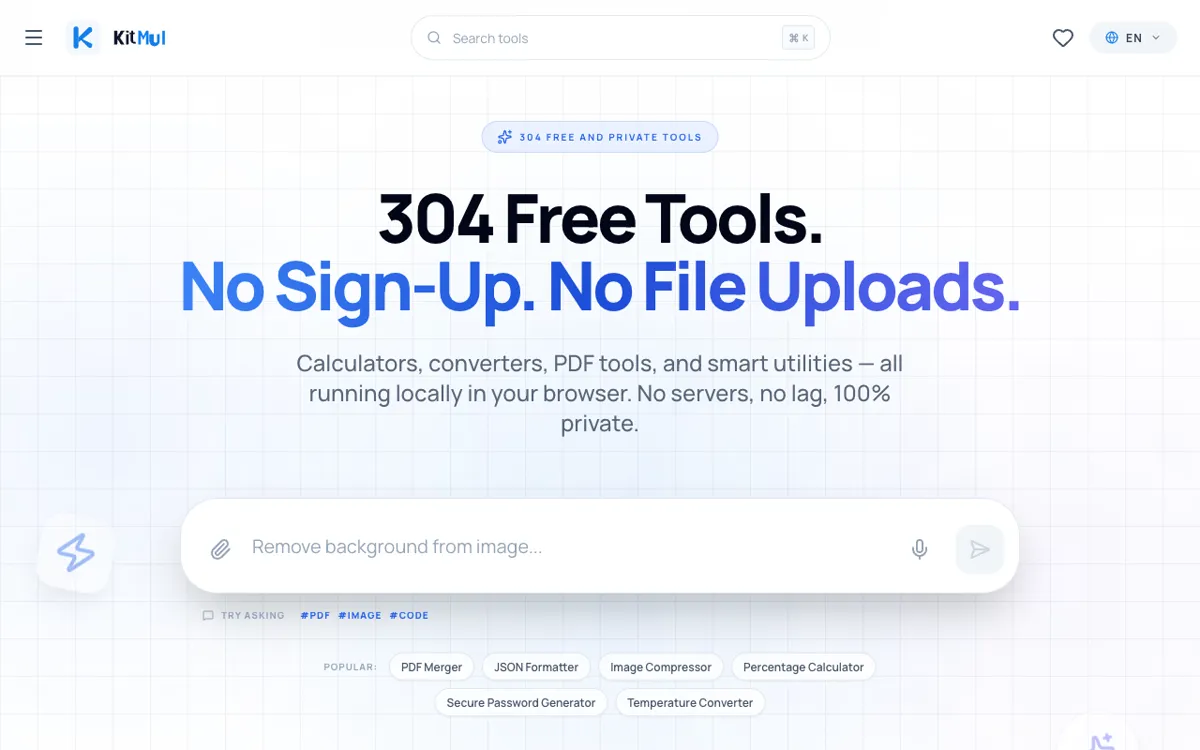
Kitmul offers over 300 browser-based tools across 18 categories, and every single one processes your data on your device. No accounts, no uploads, no limits. Visit kitmul.com and try merging a PDF, converting an image, or formatting JSON — and notice that the result appears before you have time to blink.
The question is not whether client-side tools are better. The question is why you would trust your sensitive data to anyone else's server.