PDF tools are consistently among the most searched-for utilities on the internet. Google Trends data shows that queries like "merge PDF," "compress PDF," and "PDF to Word" generate hundreds of millions of searches annually worldwide. Whether you need to combine multiple documents into one, extract specific pages, reduce file size for email, or add branding watermarks, there is always a moment where you need a reliable PDF tool.
But here is the problem that most people overlook: the vast majority of popular PDF tools upload your files to remote servers for processing. For a party invitation or a school assignment, that is probably acceptable. For tax documents, medical records, legal contracts, HR files, or proprietary business data, it represents a real and quantifiable privacy risk.
The Problem with Server-Based PDF Tools
When you use a cloud-based PDF tool like SmallPDF, iLovePDF, or PDF2Go, your files are transmitted to their servers, processed remotely, and then sent back to you. During this process, your documents are exposed to several risks:
- Data retention: Most services keep your files on their servers for a period after processing. According to their respective privacy policies, SmallPDF states they delete files after 1 hour and iLovePDF retains them for up to 2 hours. During this window, your files are stored on infrastructure you do not control.
- Third-party access: Cloud PDF tools typically run on AWS, Google Cloud, or Azure. Your files pass through multiple systems — load balancers, processing queues, temporary storage — each of which is a potential point of exposure.
- Metadata leakage: Even after the file content is deleted, metadata about your usage — file names, sizes, processing times, IP addresses — may be retained indefinitely for analytics.
- Free tier limitations: Most cloud PDF tools impose limits on free usage. SmallPDF's free tier restricts the number of tasks per day, and iLovePDF limits free processing before requiring a subscription. These paywalls push users toward paid plans for basic functionality.
For individuals handling sensitive documents — accountants processing client tax returns, lawyers working with privileged communications, healthcare professionals managing patient records — these risks create real compliance and liability concerns under regulations like GDPR, HIPAA, and SOC 2.
How Kitmul's PDF Tools Work Differently
Kitmul's PDF tools solve this problem completely by processing everything in your browser. Every PDF operation — merge, split, rotate, compress, watermark, convert to images, add page numbers, extract text — runs entirely on your device using client-side JavaScript and WebAssembly.
The core technology is pdf-lib, a pure JavaScript library that can read, create, and modify PDF documents without any server communication. For more complex operations like rendering PDF pages to images or OCR, Kitmul uses WebAssembly modules compiled from C/C++ libraries, giving near-native performance inside the browser.
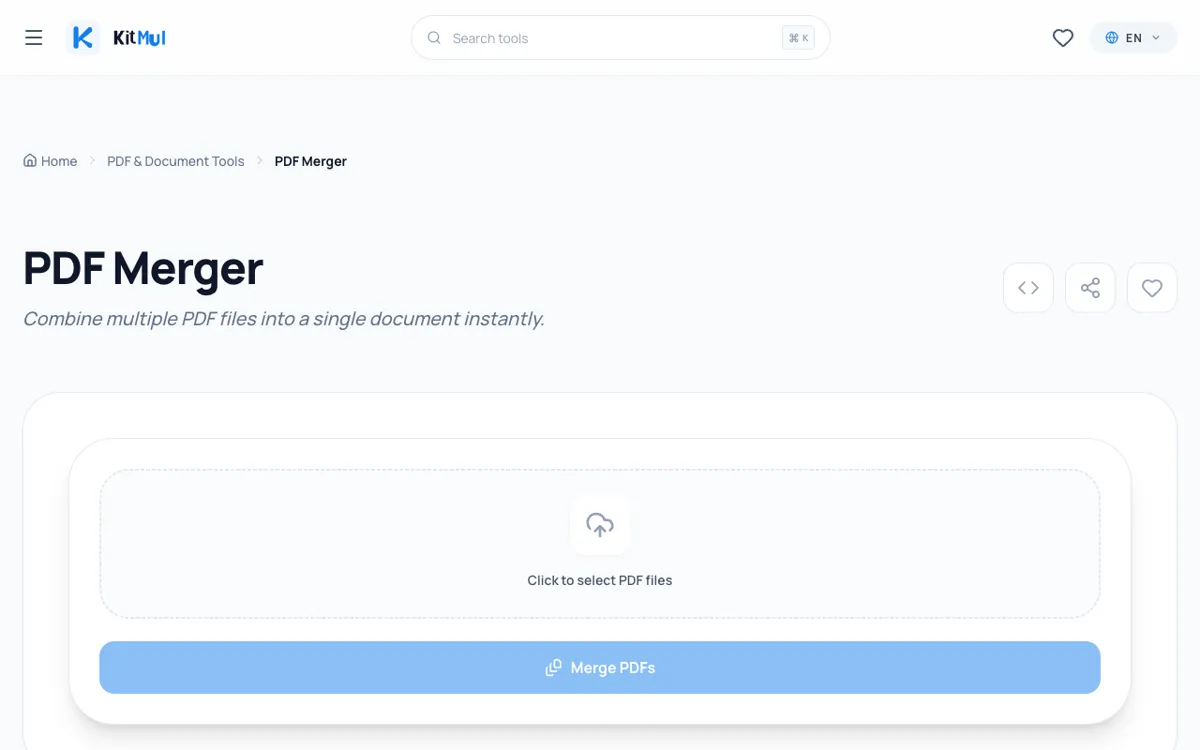
Here is what happens when you merge two PDFs on Kitmul:
- You drag and drop your files into the interface. The browser's File API reads them directly from your local filesystem.
- pdf-lib parses both documents, combining their page trees into a single PDF structure.
- The merged PDF is generated in memory and a download button appears.
- Total time: under 1 second for most files.
At no point during this process do your files leave your computer. There is no upload, no server-side processing, no temporary storage, and no data retention. When you close the tab, the data is gone from memory.
Complete List of PDF Operations
Kitmul offers a comprehensive suite of PDF tools, all running in your browser:
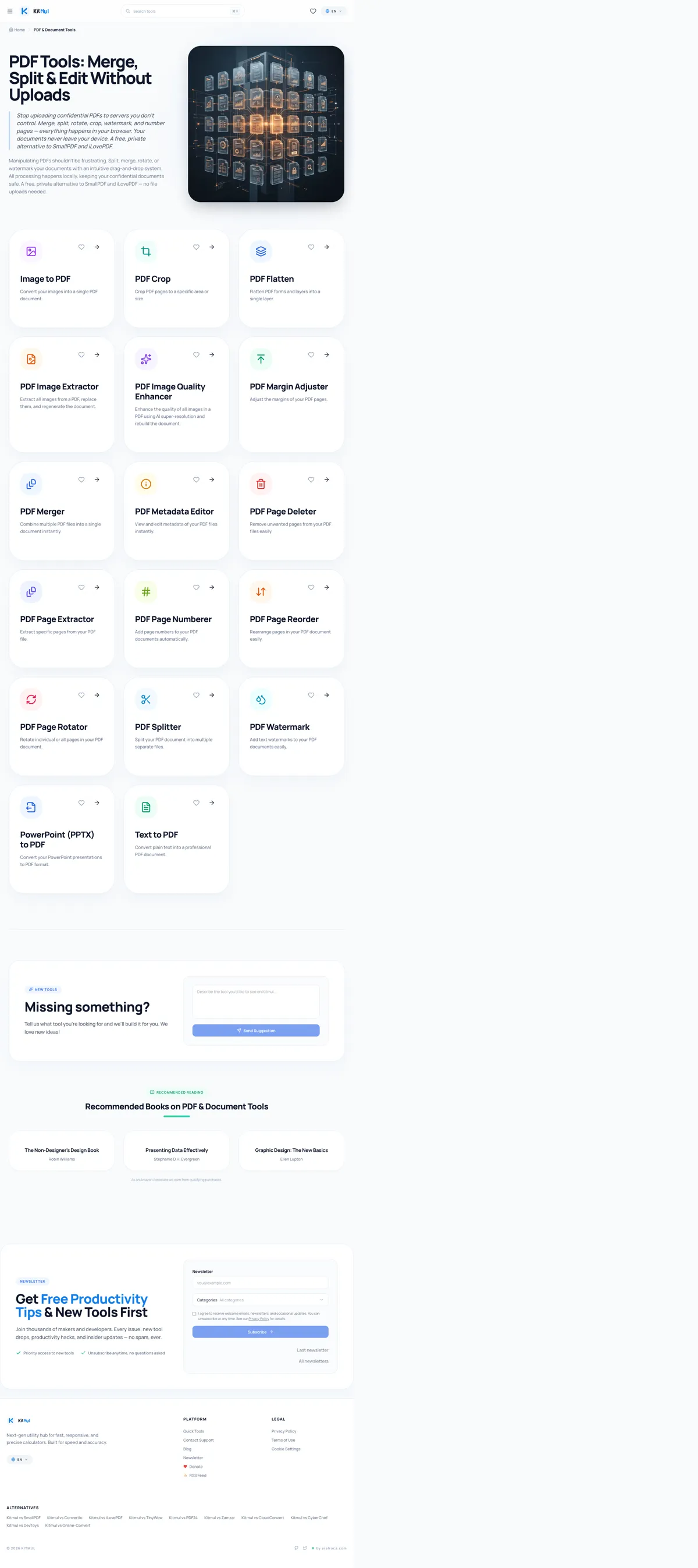
- Merge PDF: Combine multiple PDFs into a single document. Drag to reorder pages before merging.
- Split PDF: Extract specific pages or split a document into individual page files.
- Compress PDF: Reduce file size by optimizing images, fonts, and internal structures. Typical compression: 40-70% size reduction.
- Rotate PDF: Rotate individual pages or entire documents by 90, 180, or 270 degrees.
- Watermark PDF: Add text or image watermarks to every page with customizable position, opacity, and rotation.
- PDF to Images: Convert each page to PNG or JPEG at configurable resolution (72-300 DPI).
- Images to PDF: Combine multiple images (JPG, PNG, WebP) into a single PDF document.
- Add Page Numbers: Insert page numbers with customizable font, size, position, and format.
- Extract Text: Pull all text content from a PDF for copy-pasting or analysis.
- Protect PDF: Add password protection and encryption to your documents.
Speed Comparison: Kitmul vs. Cloud PDF Tools
The speed advantage of client-side processing is significant. Here are approximate timings comparing a 5 MB PDF merge operation (times will vary based on connection speed and server load):
| Tool | Upload | Process | Download | Total |
|---|---|---|---|---|
| Cloud-based tools | 3-5s | 1-2s | 3-5s | ~7-12s |
| Kitmul | — | ~0.3s | — | ~0.3s |
The speed improvement comes from eliminating network transfer entirely. The difference becomes even more dramatic with larger files or on slower internet connections. On a mobile data connection, a 20 MB PDF upload might take 30-60 seconds; Kitmul processes it in under 2 seconds regardless of connection speed.
Offline Access
Because Kitmul is a Progressive Web App (PWA), you can install it on your device and use all PDF tools offline. Once the page has loaded once, the tool code is cached locally and works without any internet connection. This is particularly useful for professionals who need PDF tools while traveling, in areas with poor connectivity, or in secure environments where internet access is restricted.
How to Get Started
Navigate to kitmul.com/en/pdf and choose the tool you need. Drag and drop your files into the interface. The tool processes them instantly and provides a download button for the result. No sign-up, no upload progress bar, no waiting, no limits on file size or number of operations.
If you regularly work with PDFs and care about privacy, speed, or both — bookmark kitmul.com/en/pdf. It is a free, private, and unlimited alternative to every cloud-based PDF tool on the market.