What Is Monocular Depth Estimation?
Monocular depth estimation is the task of predicting the distance of every pixel in an image from a single camera viewpoint. Unlike stereo vision which uses two cameras, monocular methods rely on learned visual cues. Modern AI models like Depth Anything v2 use vision transformers trained on millions of images to recognize patterns such as perspective convergence, texture density changes, and atmospheric haze that indicate spatial relationships in a scene.
How Depth Anything v2 Works
Depth Anything v2 uses a DINOv2 Vision Transformer encoder paired with a Dense Prediction Transformer decoder. The model was trained using a teacher-student pipeline on 595,000 labeled synthetic images and 62 million pseudo-labeled real images. This approach achieves state-of-the-art accuracy with an absolute relative error of just 4.3% on standard benchmarks, outperforming previous methods like MiDaS by over 35%.
Relative vs. Metric Depth
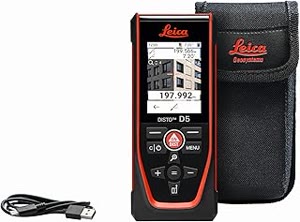
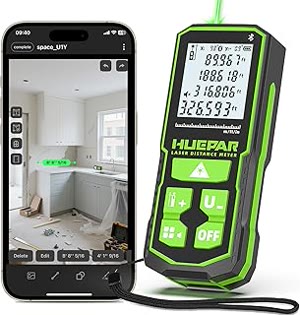
This tool produces relative depth maps, meaning it shows which objects are closer or farther but does not give exact distances in meters. Relative depth is reliable for ordering objects by distance with over 95% accuracy. For actual metric measurements, specialized hardware like LiDAR sensors or stereo camera systems would be needed, as a single camera cannot determine absolute scale.
Limitations and Best Practices
Depth estimation works best with well-lit scenes containing diverse textures and clear depth variation. It may struggle with reflective surfaces like mirrors, transparent objects like glass, and repetitive patterns like uniform tiles. Very distant objects beyond 100 meters may have unreliable depth values. For best results, use images with clear foreground and background separation.